

Managing receipts, invoices, and expenses manually can be overwhelming. Fortunately, SparkReceipt simplifies financial management with AI-powered receipt scanning and automated expense tracking. In this SparkReceipt review 2026, we examine its features, pricing, pros and cons, alternatives, and FAQs, helping freelancers and small businesses determine whether it’s the right solution for their needs.
What Is SparkReceipt?
SparkReceipt is an AI-driven platform that digitizes financial documents and automatically extracts critical information, including:
Merchant names
Transaction dates
Amounts and taxes
Line-item details
Moreover, the platform supports multi-currency receipts, works in multiple languages, and allows collaboration with accountants or teams. As a result, it is designed to save time, reduce errors, and simplify reporting for taxes and accounting.
How the Platform Works
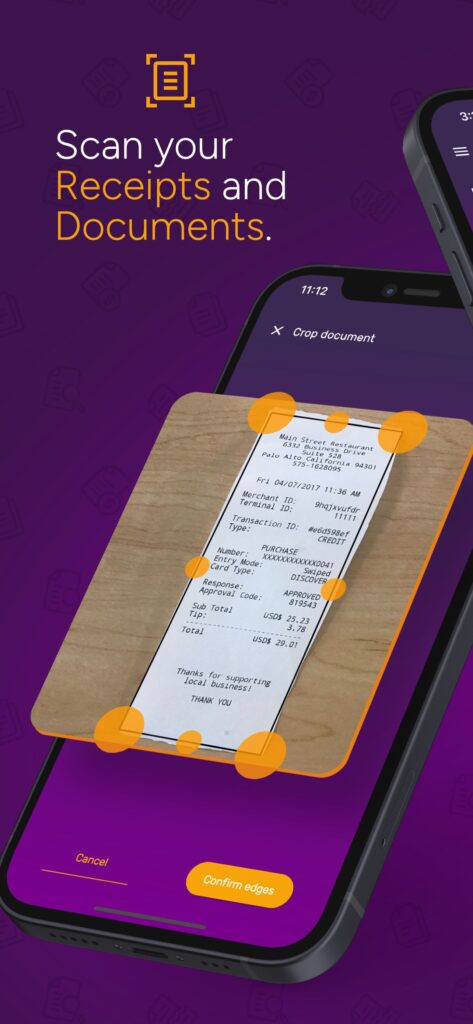
Scan or Upload Receipts – Use your phone, upload PDFs, or forward emailed receipts.
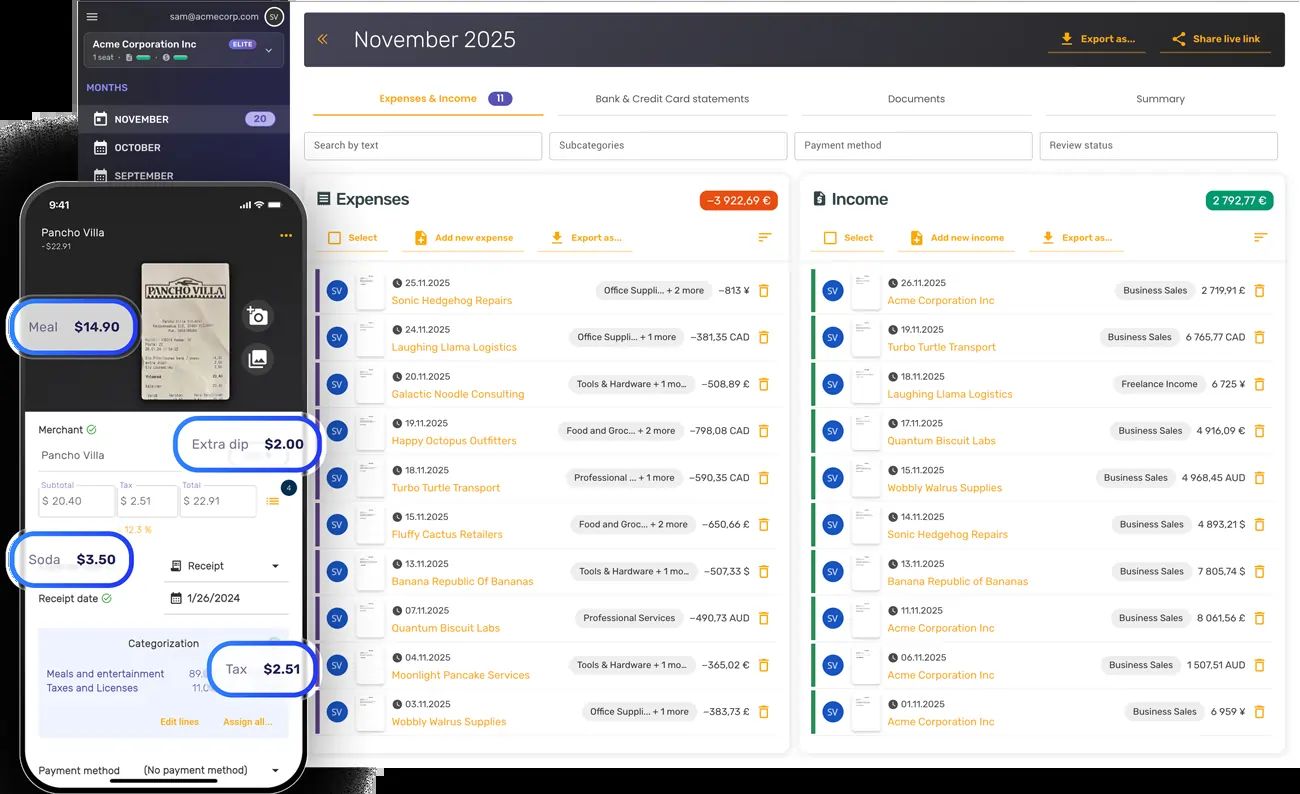
AI Extraction – The AI identifies merchant, date, amount, tax, and line items automatically.
Expense Categorization & Tracking – Transactions are categorized and tracked for easy reporting.
Bank Statement Integration – Upload statements to reconcile transactions.
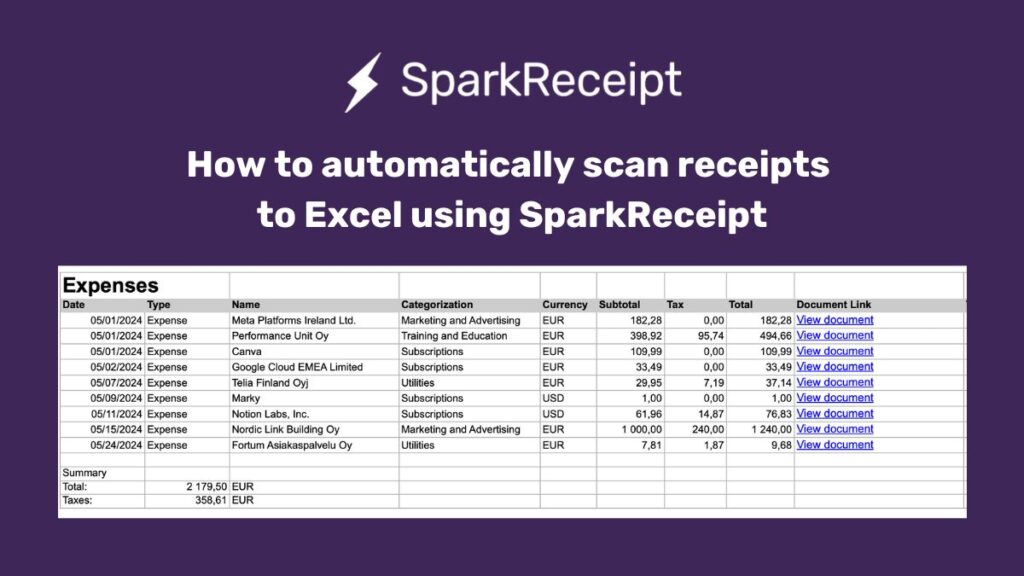
Export & Reporting – Generate CSV, Excel, or PDF reports for accountants or tax filing.
Additionally, these features enable businesses to maintain organized financial records with minimal manual effort.
SparkReceipt Key Features
AI-Powered Receipt Scanning
Automated scanning with high accuracy, including handwritten receipts.
Expense & Income Management
Categorizes transactions and tracks income for clear financial insights.
Multi-Currency & Multi-Language Support
Supports 150+ currencies and international receipt formats.
Reporting & Export Options
Export to Excel, CSV, or PDF, compatible with QuickBooks and other accounting software.
Team Collaboration
Invite accountants or team members with read-only or full access.
SparkAgent AI Assistant
Search, filter, and summarize financial data using natural language queries.
SparkReceipt Pricing (2026)
| Plan | Price (Monthly) | AI Scans | Notes |
|---|---|---|---|
| Free | $0 | 15/month | Limited usage for beginners |
| Pro | $9 | 50/month | Ideal for freelancers and small businesses |
| Elite | $12 | 500/month | Heavy users or multi-team access |
| Early Bird | $5.75* | Varies | Lifetime pricing for early adopters |
*All paid plans include a 60-day money-back guarantee. (The Software Pricing)
Notably, the variety of plans makes it accessible for users with different usage levels and budgets.
Pros of SparkReceipt
Accurate AI receipt scanning
Automated expense tracking
Multi-currency and international support
Collaboration features for teams and accountants
Generous free tier
However, it is important to consider the potential limitations as well.
Cons of SparkReceipt
Scan and AI credit limits on lower-tier plans
Limited integrations beyond QuickBooks and exports
OCR accuracy may drop with poor-quality receipts
Mobile app scanning is affected by lighting
SparkReceipt vs Competitors
Compared with Expensify, Shoeboxed, and Dext, this tool stands out for:
AI-powered automation
Affordable pricing
Multi-currency support
Easy-to-use interface for freelancers and small businesses
In addition, its simplicity makes it a strong choice for users who want an intuitive experience without a complex setup.
Is SparkReceipt Worth It?
Absolutely. For freelancers, solopreneurs, and small business owners, SparkReceipt reduces manual bookkeeping. Its AI receipt scanning, multi-currency support, and collaboration features make it a leading AI receipt scanner in 2026.
FAQs – SparkReceipt Review
Q1: Can SparkReceipt handle international receipts?
Yes, it supports 150+ currencies and multiple languages.
Q2: Is there a free plan?
Yes, 15 scans/month and 50 AI credits/month.
Q3: Can I export reports?
Yes, to QuickBooks, Excel, CSV, and PDF.
Q4: Can teams collaborate?
Yes, with read-only or full access.
Q5: Is there a mobile app?
Yes, scanning on the go is supported.
Conclusion
SparkReceipt is a complete AI-driven solution for expense management and pre-accounting. Its automation, multi-currency support, reporting features, and team collaboration make it ideal for freelancers and small businesses.
In fact, SparkReceipt is not just a scanner – it’s a time-saving, AI-powered financial assistant.